The Best Developer Productivity Tools in 2026 (Ranked by Real Usage)
Looking for the most effective developer tools in 2026? Here's the quick rundown:
These tools were selected based on real-world usage data, focusing on how they save time, integrate AI, and minimize workflow disruptions. With 41% of code now AI-generated and 85% of developers using AI assistants daily, picking the right tools can make or break your productivity.
Top Picks:
- Bax: All-in-one dashboard for repositories, revenue tracking, and performance monitoring. Starts at $12.99/month.
- Linear: Lightning-fast issue tracker with keyboard-first design. Starts at $8/user/month.
- GitHub Copilot: AI coding assistant integrated into major IDEs. Priced at $10/month for individuals.
- Cursor: AI-powered IDE optimized for multi-file edits. Starts at $20/month.
- Visual Studio Code: Free, highly extensible code editor with a vast library of extensions.
- Zed: Rust-based editor offering unmatched speed and built-in AI tools. Free.
- TMetric: Time-tracking tool with integrations for GitHub, Jira, and more. Starts at $7/user/month.
- ClickUp: Task management platform with built-in AI tools. Starts at $7/user/month.
- Sourcegraph: Advanced code search and AI assistant for large codebases. Starts at $9/user/month.
- Windsurf: AI-driven IDE with advanced automation. Starts at $15/month.
- ScreenshotEngine: Simplifies browser automation for testing. Free API access.
- npm: Essential for JavaScript developers, with tools for dependency management and CI/CD integration.
Key Takeaways:
- AI Integration: Tools like GitHub Copilot and Cursor excel in automating repetitive coding tasks, saving up to 50% of development time.
- Unified Workflows: Platforms like Bax and ClickUp reduce context-switching by consolidating multiple tools into a single interface.
- Speed & Performance: Editors like Zed and Cursor prioritize fast, distraction-free coding environments.
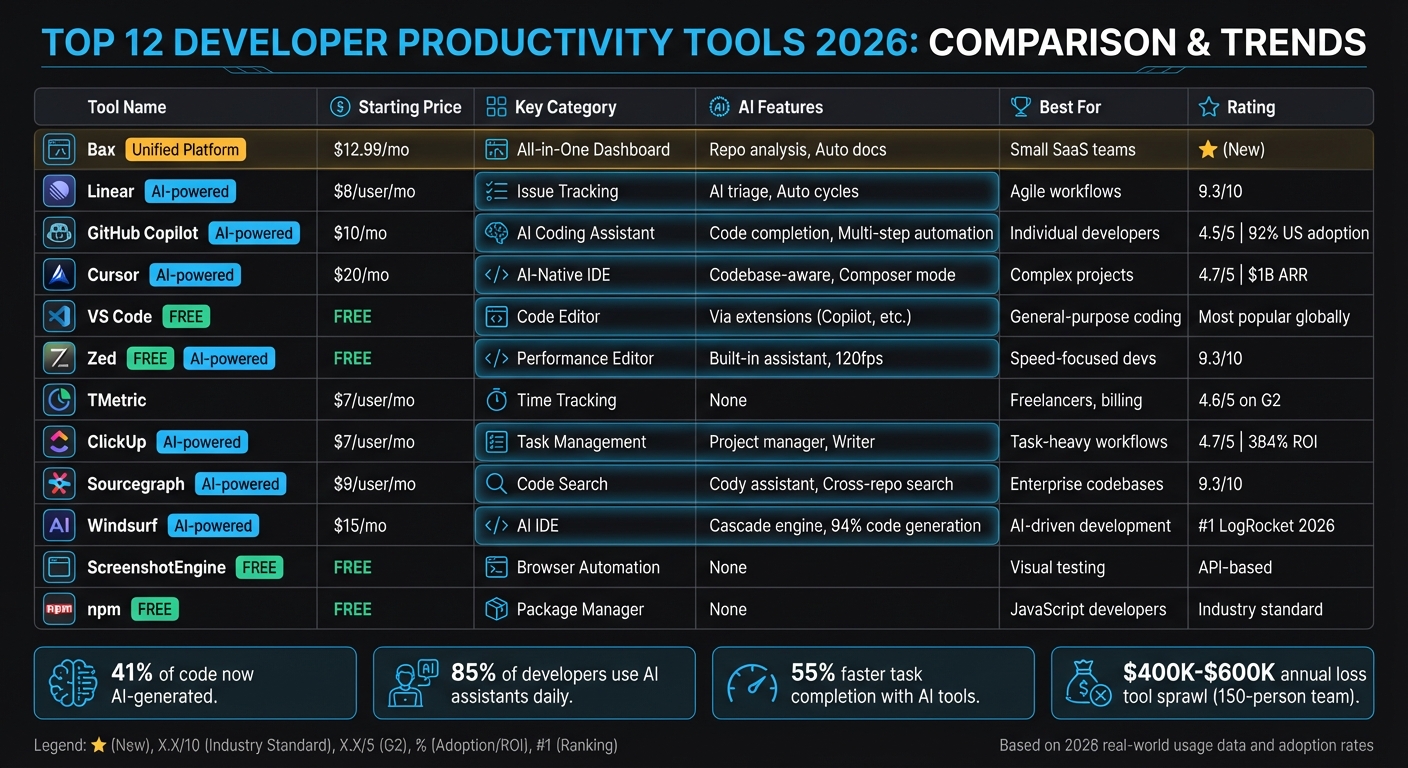
Quick Comparison Table:
| Tool | Starting Price | Key Features | Best For |
|---|---|---|---|
| Bax | $12.99/month | Unified dashboard, AI repo analysis | Small SaaS teams |
| Linear | $8/user/month | Fast issue tracking, Git sync | Agile workflows |
| GitHub Copilot | $10/month | AI coding, multi-step automation | Individual developers |
| Cursor | $20/month | AI-native IDE, multi-file editing | Complex projects |
| VS Code | Free | Extensive extensions, GitHub integration | General-purpose coding |
| Zed | Free | High-speed editor, built-in AI assistant | Performance-focused devs |
| TMetric | $7/user/month | Time tracking, project budgeting | Freelancers, small teams |
| ClickUp | $7/user/month | All-in-one task management, AI tools | Task-heavy workflows |
| Sourcegraph | $9/user/month | Cross-repo search, AI code assistant | Enterprise codebases |
| Windsurf | $15/month | Advanced automation, AI models | AI-driven development |
| ScreenshotEngine | Free | Browser automation, visual regression testing | Frontend/UI testing |
| npm | Free | Dependency management, CI/CD tools | JavaScript developers |
Bottom Line:
Choose tools that align with your workflow. For AI-powered coding, go with GitHub Copilot or Cursor. For managing multiple projects, Bax or ClickUp are great options. And if speed matters, Zed is a solid choice.
Developer Productivity Tools 2026: Features, Pricing & AI Capabilities Comparison
I Tried Every AI Productivity and Coding Tool, These 7 Will Save You the Most Time (Nov 2025)
sbb-itb-5b9029c
Why These Tools Lead in 2026
The leap from basic autocomplete to autonomous multi-agent systems is transforming how developers work. These advanced tools now automate tasks across IDEs, browsers, and terminals, streamlining workflows like never before [9]. With AI now responsible for generating 40–60% of production code, this shift is more than just a trend - it's a fundamental change [8].
"Traditional developer metrics tools were built for a world where humans wrote every line... In 2026, that playbook is broken." - Sonali Sood, Founding GTM, CodeAnt AI [8]
The concept of the "tool sprawl tax" highlights the cost of disconnected systems. For instance, a 150-person engineering team can lose between $400,000 and $600,000 annually due to inefficiencies caused by scattered tools and integration challenges [8]. Developers, tired of juggling multiple dashboards, are now pushing for unified platforms that minimize context-switching and streamline their workflows [8]. This shift is paving the way for a new generation of analytics.
A key development in this evolution is the rise of AI-aware analytics, which are redefining how performance is measured. Traditional metrics like velocity no longer capture the full picture. Leading platforms now differentiate between human-crafted logic and AI-generated boilerplate, providing a clearer view of developer contributions [8]. Companies like IBM report impressive time savings with AI assistants: 59% for documentation, 56% for code explanations, and 38% for code generation tasks [9].
These advancements go beyond metrics - they’re reshaping productivity itself. Strategic implementation is critical, as power users who integrate AI into their workflows achieve 4x to 10x more output than those who don’t [9]. However, poor implementation can have the opposite effect, slowing tasks by 19% [9]. With over 77% of businesses already using or exploring AI technologies to optimize their systems, it’s clear that this shift is reshaping the industry [7].
1. Bax
How it reduces context-switching
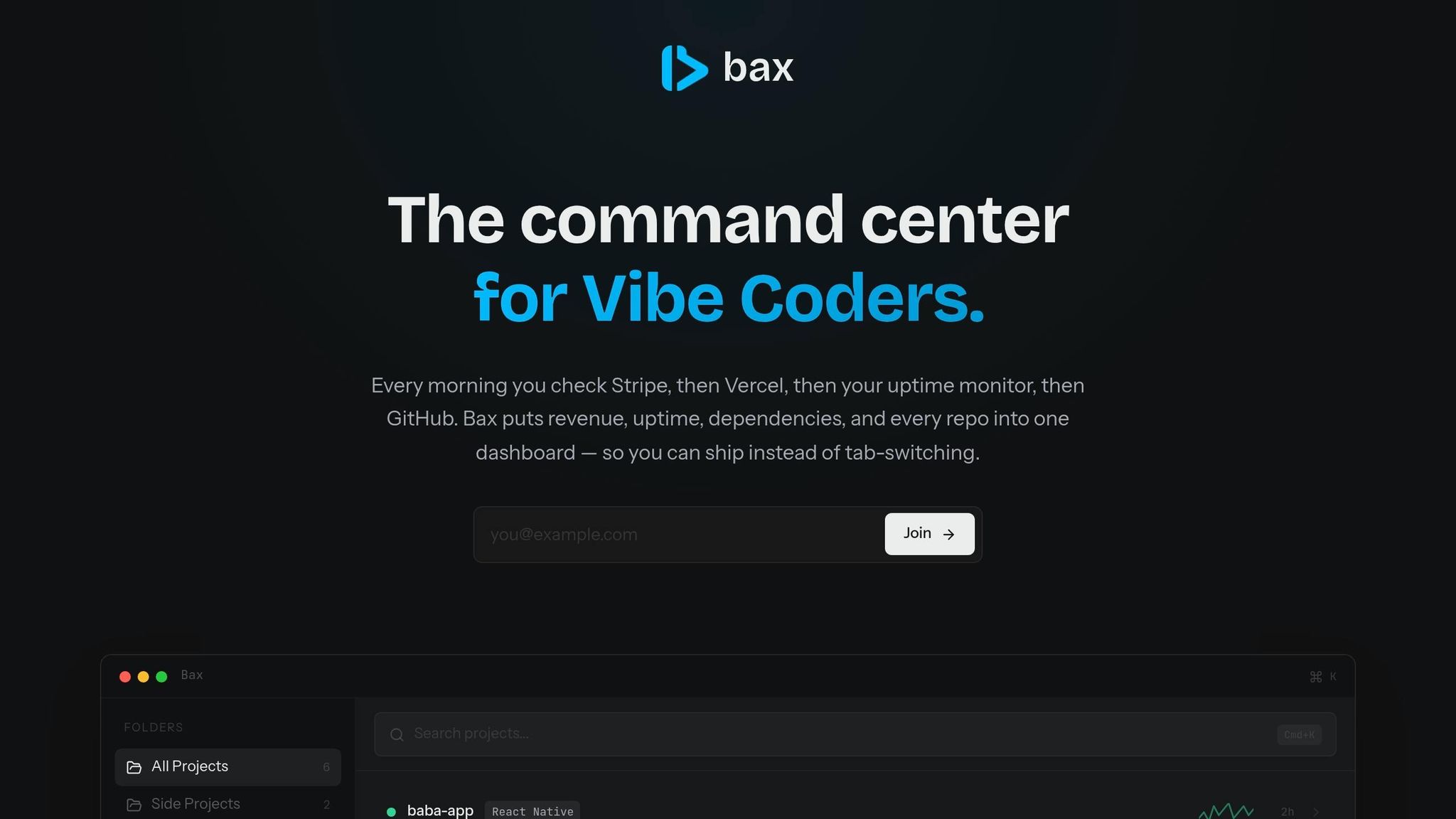
Developers often find themselves hopping between six or more dashboards to manage repositories, track revenue, monitor uptime, scan for vulnerabilities, and analyze performance. Bax simplifies this chaos by merging all these tools into a single, streamlined command center. It handles repository management, revenue tracking (like MRR, ARR, churn, and LTV), uptime monitoring, and vulnerability scanning - all in one place.
With the Cmd+K command palette, you can instantly open any project in your favorite editor, whether it’s Cursor, VS Code, Zed, or Windsurf. This unified setup not only reduces distractions but also creates a foundation for integrating even more essential developer tools.
Integration support with GitHub, Stripe, and other developer tools

Bax works seamlessly with popular platforms like GitHub, Vercel, Netlify, Railway, Stripe, Linear, Jira, PostHog, and Plausible. It can even auto-detect over 140 services within your codebase. For example, its Stripe integration brings critical business metrics - such as monthly recurring revenue, annual recurring revenue, churn rates, and customer lifetime value - directly into your development dashboard. This means indie developers can keep an eye on both their business health and system performance without jumping between tools.
To make things even easier, Bax sends out weekly email digests summarizing key metrics from all connected tools. If your team uses Linear or Jira, project management updates flow directly into the same dashboard where you track repository activity and performance metrics.
AI and automation capabilities
Bax takes efficiency a step further with its AI-powered features. It can analyze repositories, automatically generate documentation, and evaluate the health of your codebase. The Pro plan, priced at $12.99 per month, includes 25 AI analyses, while the Ultra plan offers unlimited analyses for $19.99 per month.
Additionally, Bax keeps your team informed with a developer-focused news feed, so you don’t have to rely on external news aggregators or social media for updates. This combination of AI and automation ensures that routine tasks are handled with minimal effort, letting developers focus on what truly matters.
2. Linear
Usage data and adoption rates
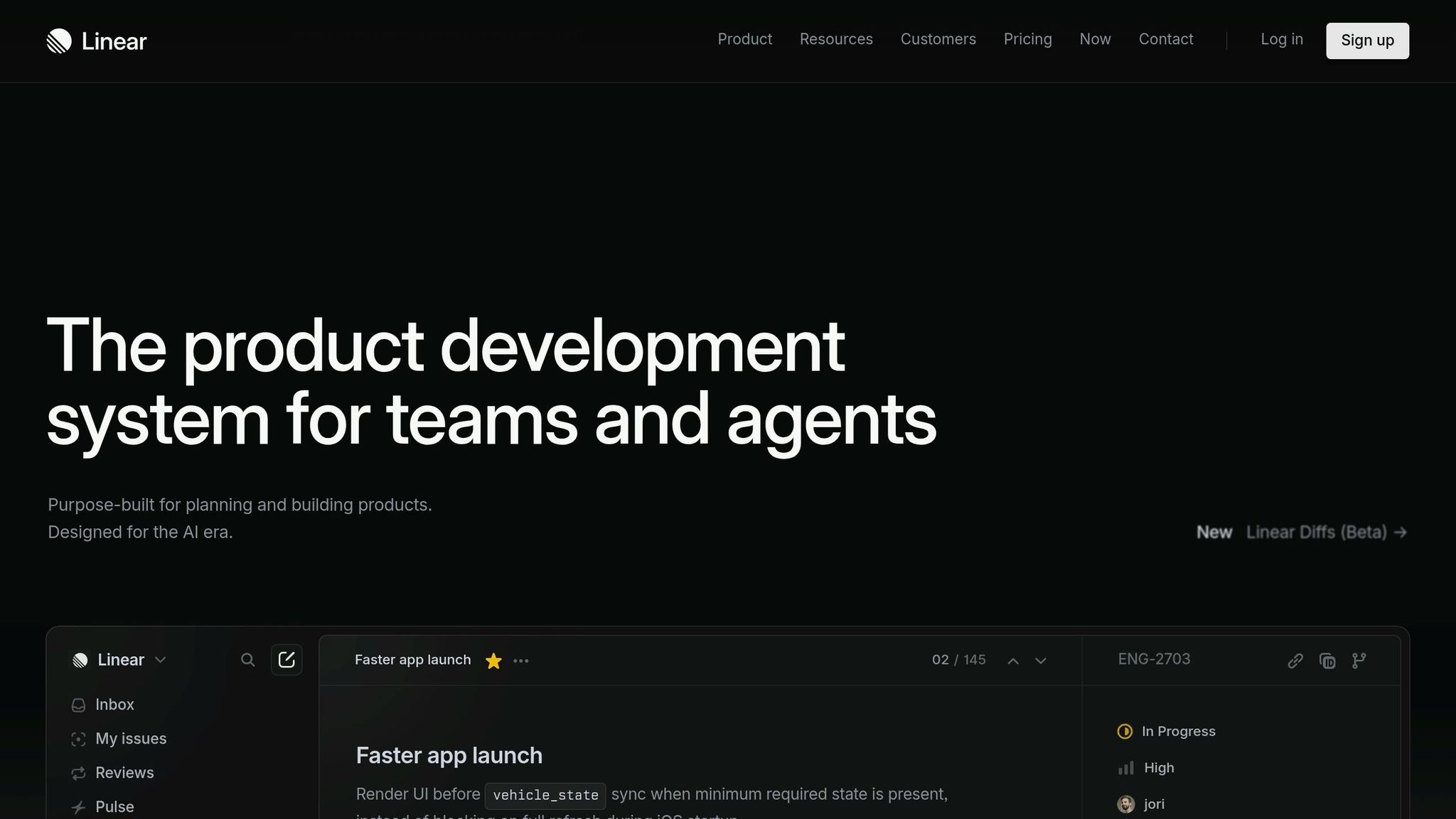
Linear has quickly become a go-to issue tracker for modern engineering teams, supporting over 25,000 product teams. Its users include high-growth companies like Vercel, Ramp, Loom, Cash App, and a significant number of Y Combinator companies [12][14][16]. With an impressive 9.3/10 rating for its speed and developer-focused design [11], Linear is widely regarded as the fastest issue tracker available. This level of adoption highlights its ability to streamline workflows effectively.
How it reduces context-switching
Linear's keyboard-first approach allows developers to manage tasks 2-3x faster than traditional tools by minimizing reliance on the mouse [12]. Every action has a dedicated shortcut - like C to create a new issue or S to change status - and the command palette (Cmd+K) makes navigation seamless. Its optimistic UI ensures instant syncing of actions in the background, eliminating annoying loading delays [12].
Another standout feature is its bidirectional Git sync, which automatically tracks branch and pull request (PR) statuses, removing the need for manual updates. Simply naming a branch with the issue ID (e.g., feat/LIN-123) enables Linear to track progress and even close issues automatically when the code is merged [12]. As Gabriel Peal from OpenAI puts it:
"You just have to use it and you will see, you will just feel it" [16].
Integration support with GitHub, Stripe, and other developer tools
Linear's integrations are designed to reduce workflow interruptions. Its GitHub integration, for instance, takes automation a step further by updating issue statuses - moving them from In Progress to Done - as PRs transition from draft to merged [15]. Developers can also use keyboard shortcuts to assign issues, mark them as In Progress, and copy branch names directly to their clipboard [15].
The platform supports a variety of tools, including GitHub, GitLab, Bitbucket, Slack, Figma, Sentry, Zendesk, Intercom, and Zapier. It even integrates with business tools like Stripe using webhooks [12]. The Triage inbox centralizes feedback and bug reports from sources like Slack and Intercom, keeping active workflows uncluttered [12].
Linear's pricing starts at $8 per user per month for the Standard plan, which includes unlimited issues and full Git integration [11][12].
3. GitHub Copilot
Usage data and adoption rates
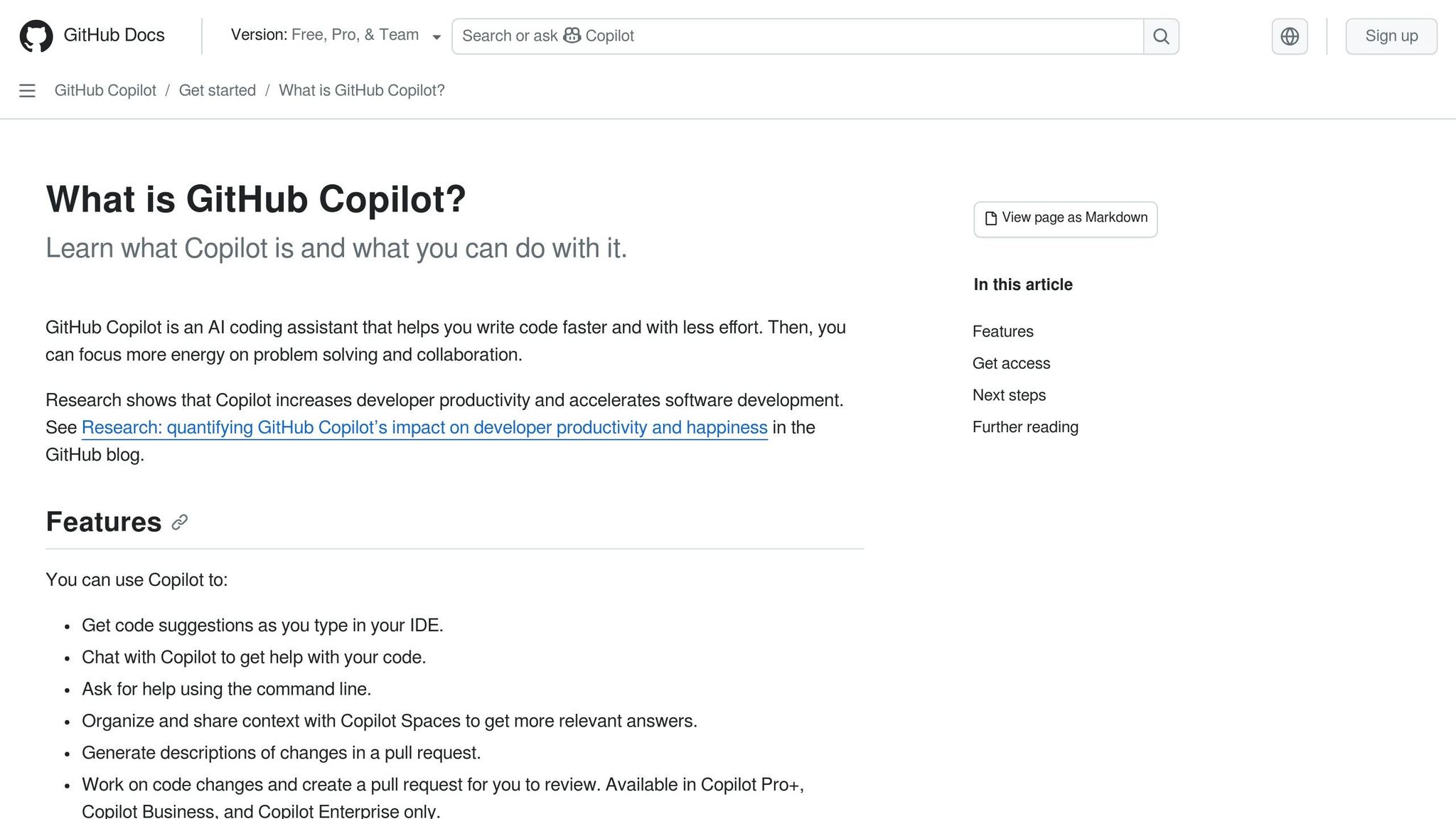
GitHub Copilot has become the go-to solution for AI-assisted coding. It's used daily by 92% of US developers and 67% of developers globally [18], earning a solid 4.5/5 rating [21]. The pricing structure is straightforward: $10/month for individuals, $19/user/month for businesses, and $39/user/month for enterprise users [20][21]. These numbers highlight how deeply Copilot has embedded itself into developers' workflows.
How it reduces context-switching
With its Work IQ feature, Copilot integrates data from Microsoft 365 - like design documents, meeting notes, and emails - directly into your IDE or CLI [17]. Kayla Cinnamon, Senior Developer Advocate at Microsoft, explains the issue perfectly:
"When you're deep in a task, switching tools to hunt for the latest docs, meeting notes, or related files interrupts your flow" [17].
Copilot addresses this by using full repository context to answer questions about architectural patterns or code ownership, removing the need for manual file searches [18][19]. It also allows developers to compare current code with original design specifications or access files from SharePoint and OneDrive - all without leaving the editor. This approach minimizes tool-switching and keeps developers focused [17].
AI and automation capabilities
Copilot's agent mode takes automation to the next level by planning and executing multi-step changes across files and repositories. It even handles tasks like tracking requirements and updating documentation [17][18]. The introduction of GitHub Agent HQ in February 2026 enables developers to run multiple AI models - such as Claude and Copilot - simultaneously, helping them weigh different trade-offs for the same task [18].
Another standout feature is Copilot Vision, which accepts image inputs like UI mockups or whiteboard sketches to generate frontend code [22]. This tool has been shown to cut down boilerplate coding by over 60% [22]. Sunil Kumar, CEO at Ailoitte, sums it up well:
"The developer's role is shifting toward orchestration and supervision" [18].
Integration support with GitHub, Stripe, and other developer tools
Copilot supports a variety of major IDEs, including Visual Studio Code, Visual Studio 2026, JetBrains, and Neovim [24][26][21]. It also integrates with platforms like GitHub Actions, Azure DevOps, and Azure private networking [23][25]. Third-party tools are part of the mix too, with features like a coding agent for Jira (in public preview as of March 2026) and a Figma MCP server that generates design layers in VS Code [25].
For indie developers, the GitHub Copilot SDK provides opportunities to create custom extensions. These extensions can pull in project-specific context - like Trello boards or Stripe logs - directly into VS Code [17]. By consolidating tasks and tools, Copilot simplifies workflows and enhances productivity across the board.
4. Cursor
Usage data and adoption rates
Cursor has taken the IDE world by storm, blending AI capabilities with a streamlined development experience.
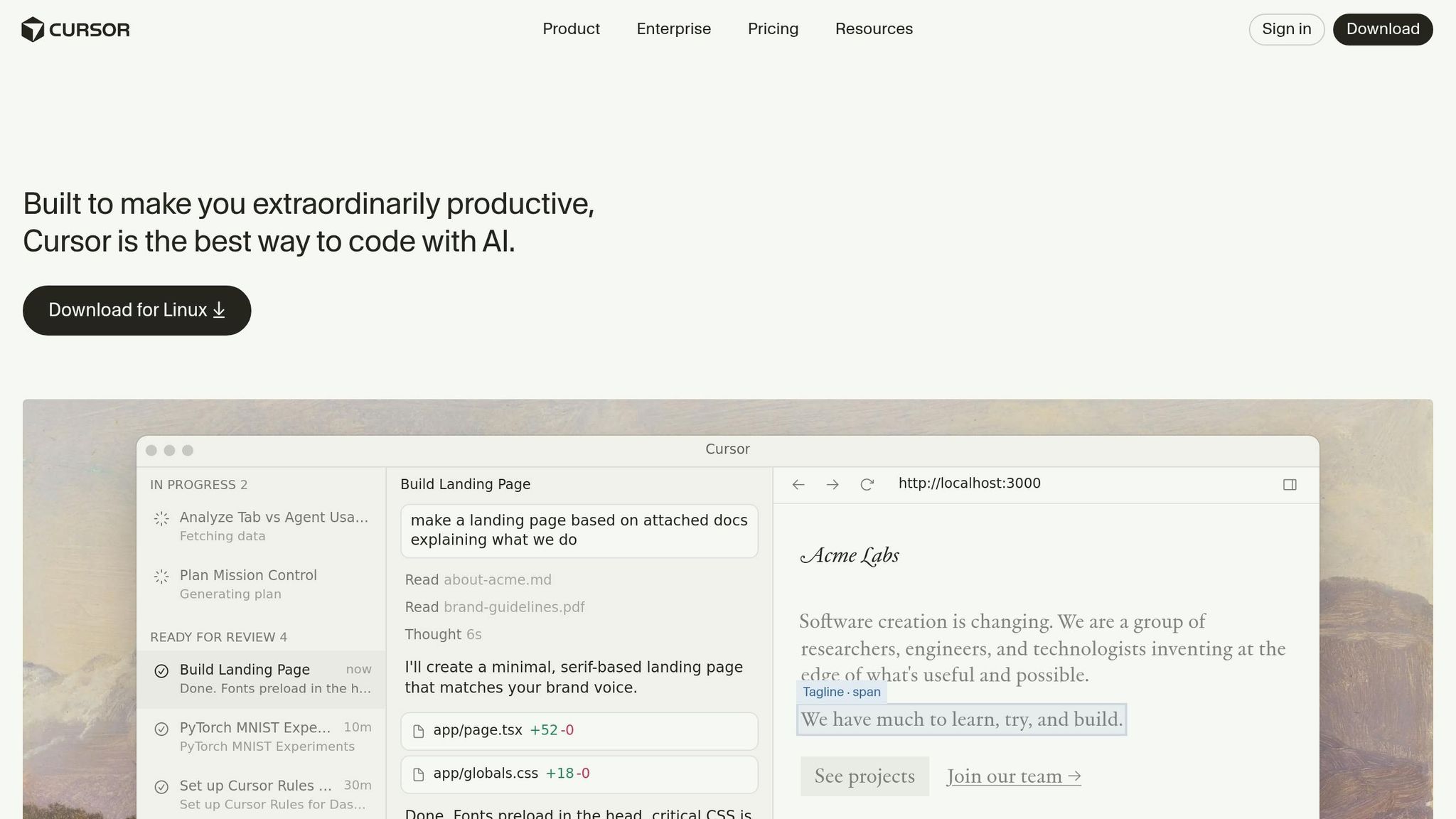
By 2026, Cursor reached an impressive $1 billion in annual recurring revenue [29]. In just 16 months after its launch, it attracted over 1 million users, including 360,000 paying customers [28]. Its popularity among major tech companies is evident, with more than 90% of Salesforce's 20,000 developers adopting it as their go-to editor and all 40,000 NVIDIA engineers integrating Cursor into their workflows [29].
Cursor’s pricing model caters to a range of needs:
- Free tier: Includes 2,000 completions and 50 slow requests.
- Pro: $20/month for unlimited completions.
- Business: $40/user/month, offering admin controls.
- Ultra: $200/month with access to priority features [28].
The tool has garnered high praise, earning a 4.7/5 rating from AI-Coding-Flow and a 9.6/10 score from Daily AI Stack [42,57].
How it reduces context-switching
Cursor is built as a standalone IDE, derived from VS Code but optimized to give AI full control over the editor state, terminal, and file system - all with reduced latency [27]. Its integrated terminal allows developers to use natural language commands, which are seamlessly converted into shell scripts or Git operations, eliminating the need to switch between tools [30]. By indexing the entire repository into a vector database, Cursor enables instant referencing of any function or class across the project.
The IDE includes features like an AI Chat sidebar, which acts as a persistent pair programmer by referencing session history and open files. Additionally, Composer Mode supports synchronized multi-file editing, making complex changes more manageable [50,52]. This tight integration between tools and features reduces interruptions and keeps workflows smooth.
AI and automation capabilities
Cursor goes beyond basic AI assistance by offering autonomous agents capable of handling tasks like building, testing, and even demoing features from start to finish [31]. Its Composer (Cmd+I) interface simplifies large-scale refactoring and project generation, while predictive autocomplete ensures precise suggestions for the next action [42,55,57].
In February 2026, Cursor launched Bugbot Autofix, which automatically detects and resolves code bugs [31]. Andrej Karpathy, CEO of Eureka Labs, highlighted Cursor's flexibility:
"The best LLM applications have an autonomy slider... In Cursor, you can do Tab completion, Cmd+K for targeted edits, or you can let it rip with the full autonomy agentic version" [31].
Developers using Cursor have reported 30–50% faster development speeds, with the "Composer" feature alone boosting productivity by 30–40% [52,57].
Integration support with GitHub, Stripe, and other developer tools
Being a fork of VS Code, Cursor supports the entire library of VS Code extensions, ensuring compatibility with popular developer tools like GitHub and Stripe [18,58]. Its Terminal AI enhances workflows by suggesting git commands with pre-filled branch names, and developers can create actionable GitHub issues directly from user feedback within the IDE [58,59]. Cursor also simplifies third-party integrations by parsing API documentation to generate client SDKs and implementations, significantly cutting down on setup time [9].
With support for advanced models like GPT-5, Claude 4.5, and Gemini 2.5, users can choose the best model for their specific tasks. On average, professional developers save 47 minutes per day thanks to features like multi-file refactoring and comprehensive codebase search [32].
5. Visual Studio Code
Usage data and adoption rates
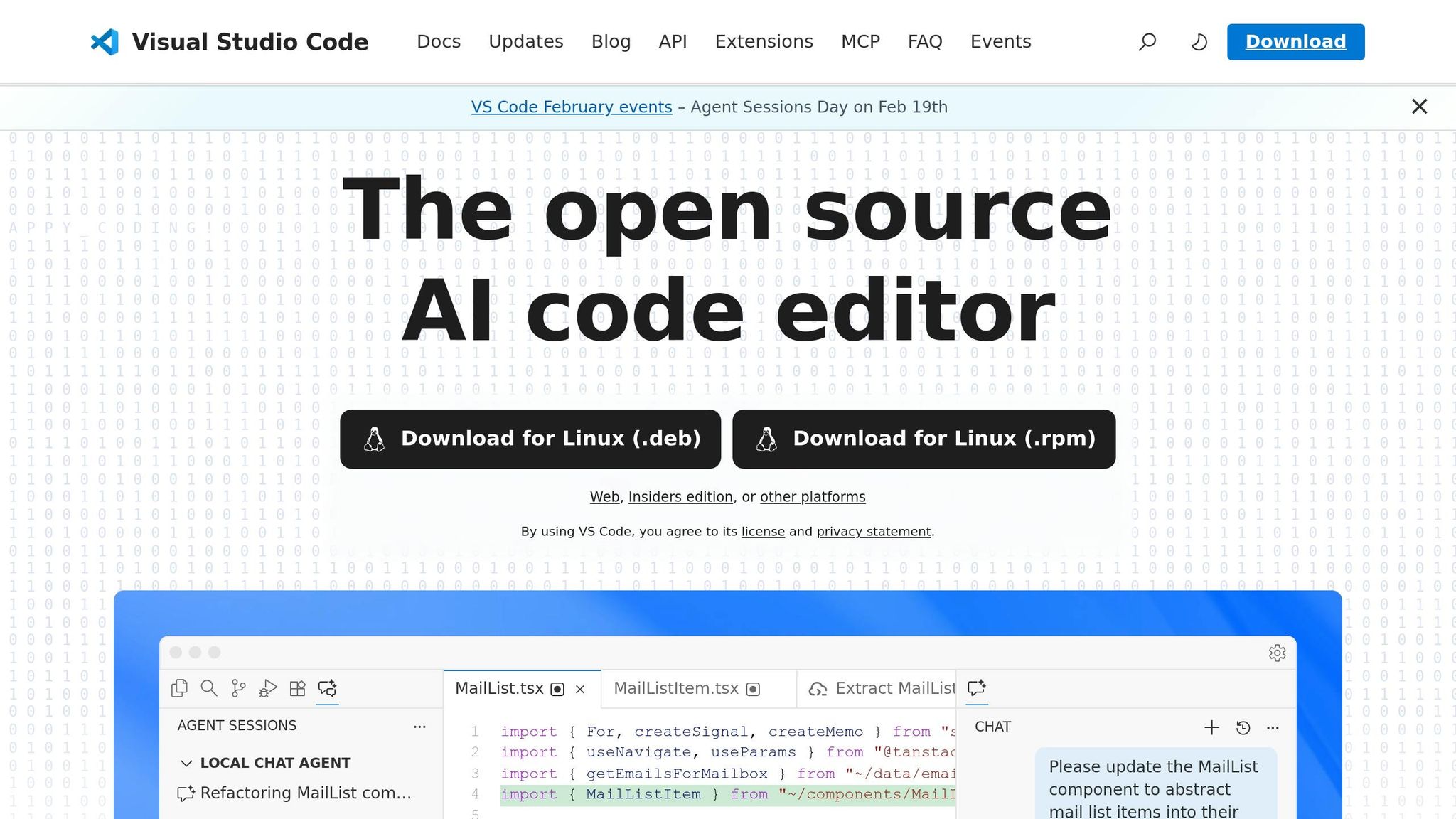
As of 2026, Visual Studio Code continues to dominate as the most widely used code editor worldwide. Its thriving marketplace now boasts over 50,000 extensions [33]. One of its standout features is GitHub Copilot, an AI-powered extension that commands a 42% market share with more than 20 million users [6]. Impressively, 90% of Fortune 100 companies have incorporated GitHub Copilot into their development workflows [6].
For those exploring alternatives, other AI tools like Sourcegraph Cody are available, with pricing set at $9/month for Pro users and $59 per user/month for Enterprise plans [33][6].
How it reduces context-switching
A key reason for VS Code's popularity is its ability to integrate external tools seamlessly, reducing the need for developers to switch between applications. For instance, the Thunder Client extension eliminates the need for external API testing software, while the GitHub Pull Requests & Issues extension allows users to review code and manage pull requests directly within the editor [33][34]. Another helpful tool, the Dev Containers extension, ensures consistent development environments tailored to specific workspaces [33].
Inline tools like Error Lens and Import Cost further streamline workflows by displaying error messages and package sizes directly in the editor, removing the need to open additional panels [33][34]. Extensions like File Utils simplify file management through the command palette, helping developers stay focused. Ben from The Software Scout highlights this advantage:
"VS Code's strength has always been its extensibility, and the 2026 extension ecosystem is the most mature it's ever been" [33].
AI and automation capabilities
By 2026, Visual Studio Code has moved beyond basic autocomplete to introduce what developers now refer to as "Agent Mode." Extensions like GitHub Copilot and Claude Code empower the editor to perform multi-step tasks, even scaffolding complete features autonomously [33][6]. These tools now provide a workspace-wide understanding, enabling coordinated refactors across multiple files and helping developers complete tasks 55% faster on average [33][6][2][1].
Anthropic shared that its engineers relied on the Claude Code extension for 60% of their daily tasks in early 2026. According to Boris Cherny, Head of Claude Code, this approach led to a 50% boost in productivity, as the tool handled complex reasoning and multi-file refactorings [6]. Extensions like Fusion add even more functionality, allowing for visual UI prototyping that the AI translates into pull requests ready for review [34].
These advancements underline VS Code's ability to integrate intelligent automation into everyday development.
Integration support with GitHub and other developer tools
VS Code's integrations are designed to create a cohesive development environment. Its connection with GitHub is particularly deep, thanks to the Pull Requests & Issues extension [34][33]. GitLens further enhances Git functionality by adding inline blame annotations and interactive commit graphs [33][34]. For API tasks, Thunder Client provides an in-editor REST client, eliminating the need for external tools [33][34].
Cloud development is also well-supported, with extensions like Amazon Q for AWS and Gemini Code Assist for Google Cloud [33][6][34]. Developers can monitor extension performance using the Startup Performance command and selectively enable resource-heavy extensions only for specific workspaces [33].
These features reinforce VS Code's role as a versatile and efficient tool for modern development workflows.
6. Zed
Usage Data and Adoption Rates
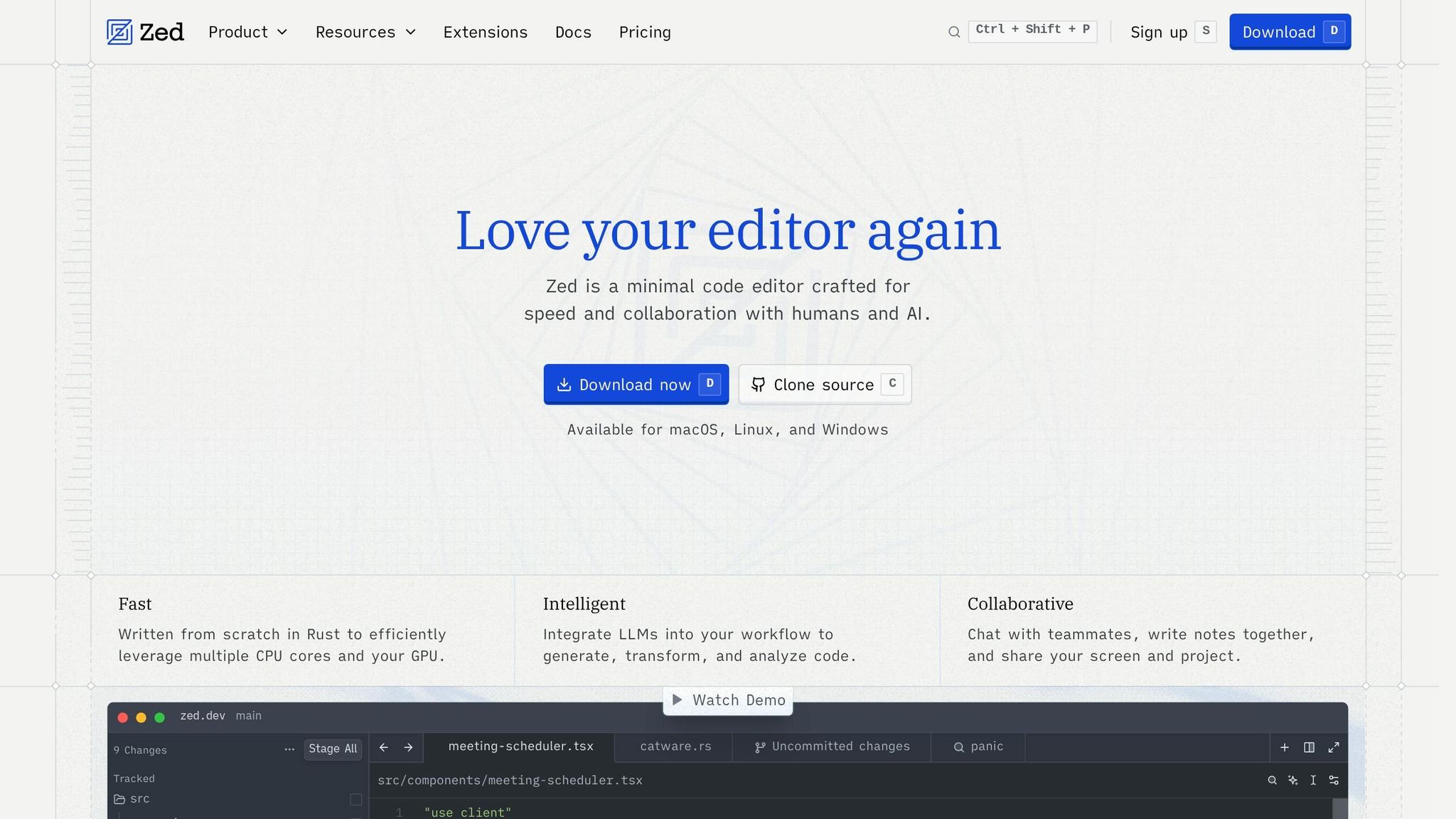
Zed has made a strong impression in the developer community, scoring an impressive 9.3/10 in developer productivity tool evaluations for 2026. This high rating highlights its reputation for speed and efficiency [5]. Unlike many editors built on Electron, Zed is developed with Rust, delivering a lightning-fast experience at 120 frames per second through its WASM-based user interface [39]. By 2025, its extension ecosystem had expanded to include around 600 extensions, further enhancing its appeal [41].
The editor has gained popularity among developers who are dissatisfied with the slower performance of Electron-based tools. Samuel Colvin, the creator of Pydantic, shared his thoughts:
"Zed has replaced Claude Code as my default coding agent. It's beautiful, fast and flexible" [38].
Zed's focus on performance and its ability to minimize distractions have made it a favorite for developers looking to stay productive.
How It Reduces Context-Switching
Zed is designed to keep developers in the zone by minimizing the need to switch between tools. Its built-in Git, AI, and collaboration features eliminate the reliance on third-party plugins or external applications. Developers can handle commits, manage branches, and view file changes directly within the editor using tools like the File History View [36][40].
For pair programming, Zed's multiplayer features - such as live cursors, audio chat, and screen sharing - make external communication tools unnecessary [36]. Its multi-buffer workflows enable developers to work on multiple contexts at the same time [36]. Meanwhile, AI agents handle complex refactors in the background, notifying developers only when input is needed or tasks are completed. This allows uninterrupted focus on other tasks [38][39].
Helpful navigation shortcuts, like clickable file mention chips in chat or jumping directly to files from diffs in agent conversations, further reduce time spent searching for files [35]. By integrating communication and Git tools natively, Zed tackles the issue of tool sprawl, streamlining essential workflows into a single platform.
AI and Automation Capabilities
Zed acts as a central hub for managing AI models and tools, offering developers control over model routing and integrations [39]. It supports the Model Context Protocol (MCP), enabling AI agents to access resources like databases, documentation, and ticketing systems directly within the editor [38][39]. Developers can either use their own API keys from providers like OpenAI and Anthropic or opt for Zed-hosted models [35][38][39].
Its Zeta model goes beyond basic autocomplete, predicting the next edit in under 100ms to enhance productivity [37][42]. José Valim, the creator of Elixir, praised Zed's AI capabilities:
"By integrating editor capabilities into their agents, Zed agents delivered complete features while also preserving my project's coding standards – and as everything else the Zed team does, it was incredibly fast at it" [38].
Developers can assign tasks to AI agents through the Agent Panel, with changes presented as an editable unified diff for review [36][38]. The spawn_agent feature supports parallel subagents, enabling multiple tasks to run simultaneously [35]. By consolidating AI-driven workflows, Zed helps developers and smaller teams stay focused and efficient.
Integration Support with GitHub and Other Developer Tools
Zed continues to prioritize efficiency by offering seamless integration with major version control systems and developer platforms. Its deep, native Git support provides a complete end-to-end workflow [40]. Features like Git Blame Avatars work with GitHub, GitLab, Bitbucket, and self-hosted instances [40]. During a two-month "Let's Git Together" sprint in late 2025, the community contributed 66 Git-related improvements, including 5 major features and 28 bug fixes [40].
The editor's profiles feature allows small teams to enable specific MCP server tools on a per-project basis, reducing conflicts when switching between different codebases [39]. Additionally, Zed supports connections to external CLI agents like Claude Code and Gemini CLI through the Agent Client Protocol (ACP) [39][42]. This flexibility ensures that Zed remains a versatile and powerful tool for developers.
7. TMetric
Usage Data and Adoption Rates
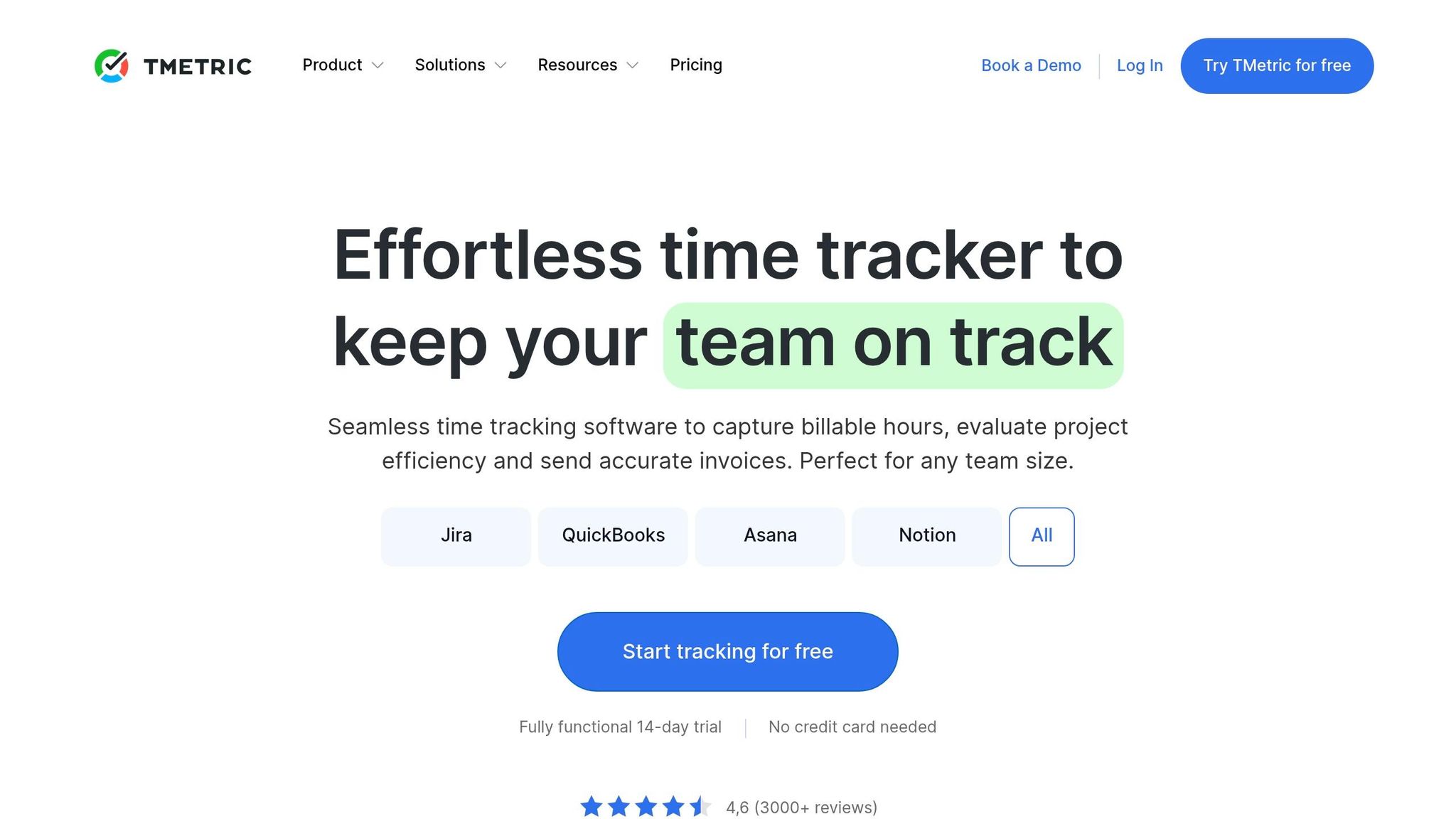
TMetric has become a trusted time-tracking tool for over 10,000 teams as of 2026 [46]. It holds strong user ratings, scoring 4.6/5 on G2 [44] and 4.5/5 on Capterra [45]. Users frequently highlight its intuitive design and smooth integration with project management tools [43]. Teams using TMetric report impressive results, such as increasing billable utilization from 60% to 85% and cutting invoicing time from 4 hours to just 15 minutes [46]. These stats underscore its role in optimizing workflows and reducing inefficiencies.
How It Reduces Context-Switching
TMetric is designed to tackle one of the biggest productivity killers: context-switching. For indie developers and small teams, interruptions can cost around $50,000 per developer annually, with an average recovery time of 23 minutes and 15 seconds [47]. TMetric combats this by embedding a one-click timer directly into commonly used tools like GitHub, Jira, GitLab, Bitbucket, and VS Code [76,78]. This feature allows developers to track time without stepping out of their coding environment.
Additionally, its browser extension integrates seamlessly with tools like Notion and Slack [45]. TMetric automatically organizes time entries by client and project, logs activities to create detailed hourly timelines, and sends real-time budget alerts to help teams avoid unexpected costs [75,76]. These features work together to save time and ensure a smoother workflow.
Integration Support with GitHub and Other Developer Tools
TMetric boasts over 50 integrations, making it highly adaptable to different workflows. Its integration with GitHub, for instance, adds a "Start timer" button directly to issues, enabling users to map repositories to TMetric projects and sync labels as tags [48]. Beyond GitHub, TMetric works with other popular tools like GitLab, Bitbucket, Azure DevOps, Linear, Asana, Trello, Monday.com, and ClickUp. It even connects with payment platforms like Stripe through services like Skyvia and Zapier [80,81].
Jim Rolph from Gorman Company shared his experience:
"TMetric handles this elegantly and I can access from my iPhone, iPad or PC - awesome!" [46]
TMetric offers three pricing plans to suit different needs:
- Free Plan: Supports up to 2 users.
- Professional Plan: Priced at $7 per month (or $5.83 when billed annually), includes features like billable rates and invoicing.
- Business Plan: Costs $9 per month (or $7.50 when billed annually), offering additional features like activity insights and screenshot capabilities [74,75].
For larger teams, TMetric provides volume discounts, including 10% off for teams with over 40 users and up to 40% off for teams exceeding 500 users [43].
8. ClickUp
Usage Data and Adoption Rates
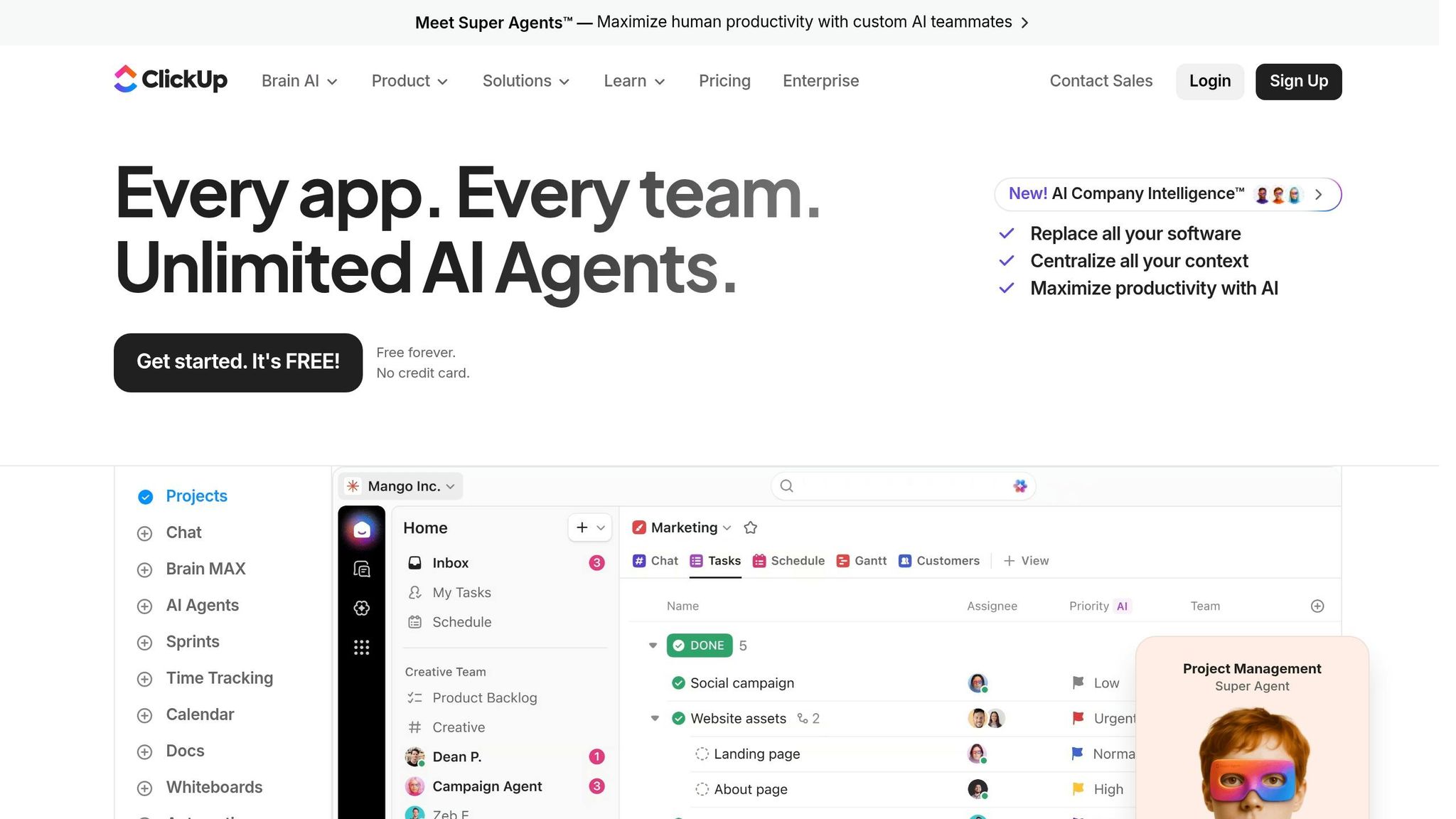
As of 2026, ClickUp is used by over 10 million teams worldwide [49]. It holds strong ratings, with a 4.7/5 on G2 and 4.6/5 on Capterra [52]. A 2025 report from Forrester Group revealed that organizations using ClickUp achieved a 384% ROI within three years [49]. Teams saved an impressive 92,400 hours by consolidating tools and cutting down on manual tasks, with most users seeing a return on their investment in under six months. Additionally, streamlined workflows through ClickUp projects generated an estimated $3.9 million in revenue [49]. These numbers highlight the platform's ability to tackle one of the biggest challenges in development: context-switching.
How It Reduces Context-Switching
ClickUp simplifies work by unifying tools, eliminating the need to juggle between platforms like Jira, Slack, and Notion [50][13]. Its "Everything View" consolidates all tasks across projects onto a single screen. Developers can rely on built-in features such as time tracking, sprint management, and syntax-highlighted code blocks for documentation, keeping all work within one interface [50][13]. Notes, subtasks, and meeting agendas can be directly linked to tasks, ensuring that all relevant information is accessible without jumping between tools [3]. By centralizing these functions, ClickUp addresses dashboard fragmentation and helps developers maintain focus. The platform estimates that up to 60% of work is lost due to context-switching, making its unified workspace a productivity game-changer [49].
AI and Automation Capabilities
ClickUp takes automation to the next level with its AI-powered tools. The ClickUp Brain suite includes:
- AI Project Manager: Automatically updates tasks.
- AI Knowledge Manager: Answers questions by analyzing documents and tasks.
- AI Writer: Generates code snippets, unit tests, and documentation [51][54].
In 2026, ClickUp introduced Super Agents - custom AI assistants that can delegate tasks, update statuses, and provide live answers 24/7 [49]. These agents are tailored to developers, simplifying task management. The NLP Automation Builder further enhances efficiency by allowing users to create complex workflows using plain English instead of manual logic blocks [51][53]. A real-world example is Made In Cookware, which consolidated its tools into ClickUp, saving 3–5 minutes per service ticket and achieving 80% adoption in under four months [55].
Integration Support with GitHub, Stripe, and Other Developer Tools
ClickUp connects with over 1,000 tools, including GitHub, GitLab, Bitbucket, and Slack, ensuring seamless project workflows [50][13]. Its GitHub integration stands out by syncing code commits and pull requests directly to tasks. For instance, task statuses are automatically updated when pull requests are merged, and cards move to "In Review" once PRs are opened [54][56][58]. Additionally, through platforms like Relay.app, ClickUp integrates with Stripe, enabling SaaS teams to link billing and subscription data to their workflows [56].
"The best part about ClickUp is its depth and flexibility. You can customize everything: workflows, issue types, fields, automations, permissions, and boards." - Dileepsingh R., Senior Software Engineer [13]
ClickUp offers four pricing plans:
- Free Forever: Unlimited members with 100MB storage.
- Unlimited: $7 per user/month (billed annually) with unlimited storage and integrations.
- Business: $12 per user/month, featuring advanced time tracking and workload management.
- Enterprise: Custom pricing for large-scale needs [50][57].
ClickUp AI is available as an add-on for $5 per user/month [50]. By integrating everything from code commits to billing, ClickUp creates a seamless workflow that meets the demands of modern development teams.
9. Sourcegraph
Usage Data and Adoption Rates
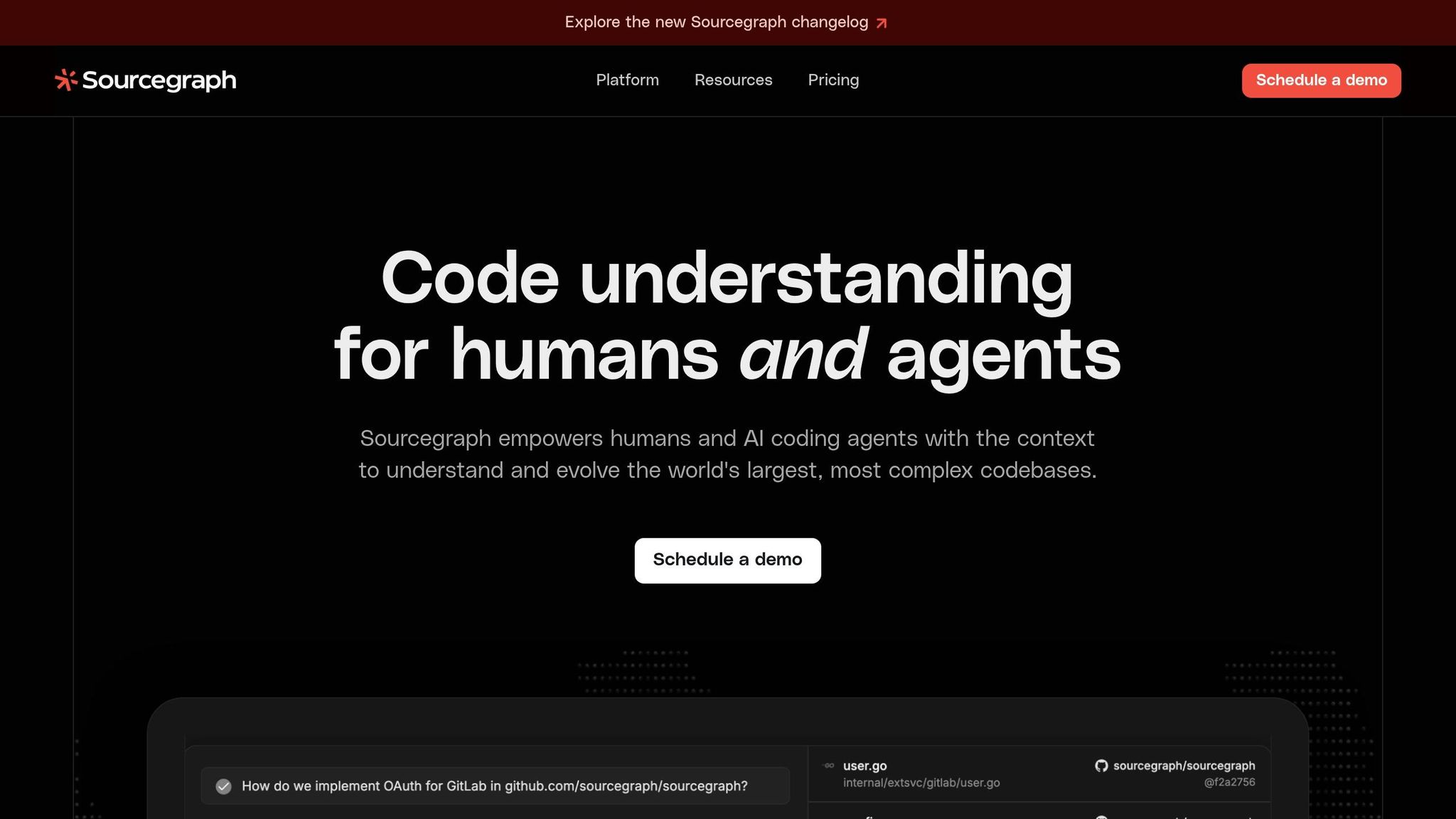
Sourcegraph's VS Code extension has seen impressive adoption, with 788,736 verified installs as of early 2026. Its AI assistant, Cody, received a solid 4.4/5 rating on Gartner Peer Insights and was named a "Visionary" in the 2024 Gartner Magic Quadrant for AI Code Assistants [61][63]. BestPage.ai rated it 9.3/10, highlighting it as "Best for Enterprise" due to its codebase-aware AI [5]. The platform's use of an adapted BM25F algorithm has improved code search relevance by 20%, and it maintains ISO 27001:2022 certification, ensuring enterprise-grade security [62].
How It Reduces Context-Switching
Sourcegraph is all about making life easier for developers by minimizing the need to jump between tools. It achieves this by retrieving relevant code snippets across multiple repositories using embeddings and its advanced search engine [60]. In Version 7.0, integrated code navigation within Deep Search results allows developers to explore definitions and references directly in a sidebar, eliminating the need to leave their current view [59].
For example, developers can ask natural language questions like, "Where is the authentication logic for the mobile API?" and get direct answers without sifting through documentation, Slack threads, or code files. The Context Engine also indexes entire codebases, mapping relationships between components across microservices or projects. This feature supports seamless navigation across even the most complex codebases [65].
"The killer feature is that it works across repositories. For microservices architectures, this is absolutely game-changing." - DZone [65]
AI and Automation Capabilities
Version 7.0 introduces an MCP server that empowers AI agents to execute semantic, cross-repository queries across enterprise codebases [59]. Developers can switch between models like Anthropic Claude 5 Opus, OpenAI GPT-5 Turbo, Google Gemini Ultra 2.0, and StarCoder 3, with enhanced support for context windows up to 1 million tokens when using Claude Sonnet 4 [60][63].
Cody integrates directly with CI/CD pipelines to suggest fixes for linting errors and test failures automatically [60]. The Batch Changes feature allows developers to automate large-scale code transformations, such as updating dependencies across hundreds of microservices simultaneously [60][62]. Agentic Chat pulls context from your codebase, terminal, and other tools to provide precise, actionable answers [62]. Other standout tools include Auto-edit, which suggests context-aware code edits within VS Code, and Sherlock, an AI-powered security review tool that reduces false positives and identifies risks faster [62].
In January 2025, Priceline showcased how Sourcegraph's agentic frameworks and APIs could act as a force multiplier for developers when paired with the right codebase context [62]. These capabilities also integrate seamlessly with popular development tools, further enhancing productivity.
Integration Support with GitHub and Other Developer Tools
Sourcegraph supports integration with major code hosts like GitHub, GitLab (with OAuth), and Bitbucket, as well as productivity tools like Jira, Linear, Notion, and Google Docs via OpenCtx [63][64]. Its Slack integration is particularly robust, offering rich link previews for code and search results, Deep Search queries via direct messages, and AI-generated summaries of lengthy responses [66].
For developers handling multiple repositories, Sourcegraph simplifies workflows with cross-repository search and multi-repo context retrieval. Up to 10 repositories can be referenced via @-mentions in chat, reducing tool-switching and promoting unified workflows [63][65].
Pricing starts at $59 per user per month for the Enterprise plan, which includes enterprise-level security, multi-repo code graphs, and self-hosted deployment options [60][61]. For smaller teams, the Enterprise Starter plan is designed for up to 50 developers [62]. Starting October 15, 2025, Code Search seats will include three Deep Searches per month, with additional usage billed separately [64].
10. Windsurf
Usage Data and Adoption Rates
Windsurf has seen impressive growth since its launch, hitting 1 million users in under two years and serving over 4,000 enterprise customers with hundreds of thousands of daily active users [76][71]. By February 2026, it climbed to the #1 spot in the LogRocket AI Dev Tool Power Rankings, overtaking both Cursor and GitHub Copilot [68]. Its Annual Recurring Revenue skyrocketed from $12 million in Q4 2024 to $100 million by Q3 2025, leading to Cognition AI acquiring the platform for approximately $250 million in December 2025 [76][68]. This rapid success highlights Windsurf's ability to streamline workflows and improve efficiency.
How It Reduces Context-Switching
Windsurf addresses the challenge of context-switching by merging multiple workflows - like editing, debugging, terminal use, documentation, and browser previews - into a single, cohesive workspace [69]. Instead of manually selecting files, the platform automatically indexes the entire codebase, ensuring an uninterrupted flow of context across projects [70].
Its Cascade Agentic AI engine tracks terminal commands, file edits, and clipboard activity in real time, maintaining context without requiring additional prompts [70]. The Memories and Rules feature further enhances productivity by learning and remembering project-specific coding patterns, architectural guidelines, and preferences. This is particularly helpful when working on projects with differing styles [69][71].
In one notable example, senior developer Flavius Son used Windsurf in February 2026 to refactor a massive Angular codebase with hundreds of files. Leveraging its context-aware automation, the project was completed with zero functional bugs while keeping public APIs stable [67].
AI and Automation Capabilities
Windsurf’s AI automates much of the coding process, generating about 94% of the code within the environment and cutting down on repetitive tasks [71]. The platform supports various models, including GPT-5.4, Claude 3.5 Sonnet, and Gemini 3.1 Pro, ensuring flexibility and avoiding vendor lock-in [71][75].
The Windsurf Tab (Supercomplete) feature simplifies tasks like auto-importing, boilerplate generation, and package installation with a single keystroke, helping users stay in their flow [71][72]. It also resolves around 60% of linter errors automatically in real time [71][74]. For UI development, users can upload a design mockup to the IDE, and the AI will generate matching React and Tailwind CSS scaffolding [71][74].
The Natural Language Terminal allows users to execute CLI commands using plain English. For even faster iterations, enabling "Turbo Mode" lets the Cascade agent auto-execute commands [71][74].
"Every single one of these engineers has to spend literally just one day making projects with Windsurf and it will be like they strapped on rocket boosters." - Garry Tan, President & CEO, Y Combinator [71]
Integration Support with GitHub and Other Developer Tools
Windsurf’s automation features are complemented by its strong integration capabilities. It supports the Model Context Protocol (MCP) with over 21 pre-configured integrations, including Figma, Slack, Stripe, PostgreSQL, and GitHub [71][73]. This enables developers to manage communications and APIs without leaving the platform.
The platform also integrates with popular IDEs such as VS Code, JetBrains (IntelliJ, PyCharm), Vim/Neovim, and Xcode [32][6]. Real-time previews allow developers to review AI-generated changes on their development server before approving them, speeding up the iteration process [77].
Pricing options include a free tier ($0, 25 credits/month, unlimited tab completions), Pro plan ($15/month, 500 credits, premium models), Teams plan ($30/user/month, admin controls, shared settings), and Enterprise plan ($60/user/month, custom deployment, SOC 2 compliance, SSO) [68][72]. Notably, the Pro plan is about 25% cheaper than Cursor Pro at $20/month, offering predictable costs without variable usage fees [70].
11. ScreenshotEngine
How It Reduces Context-Switching
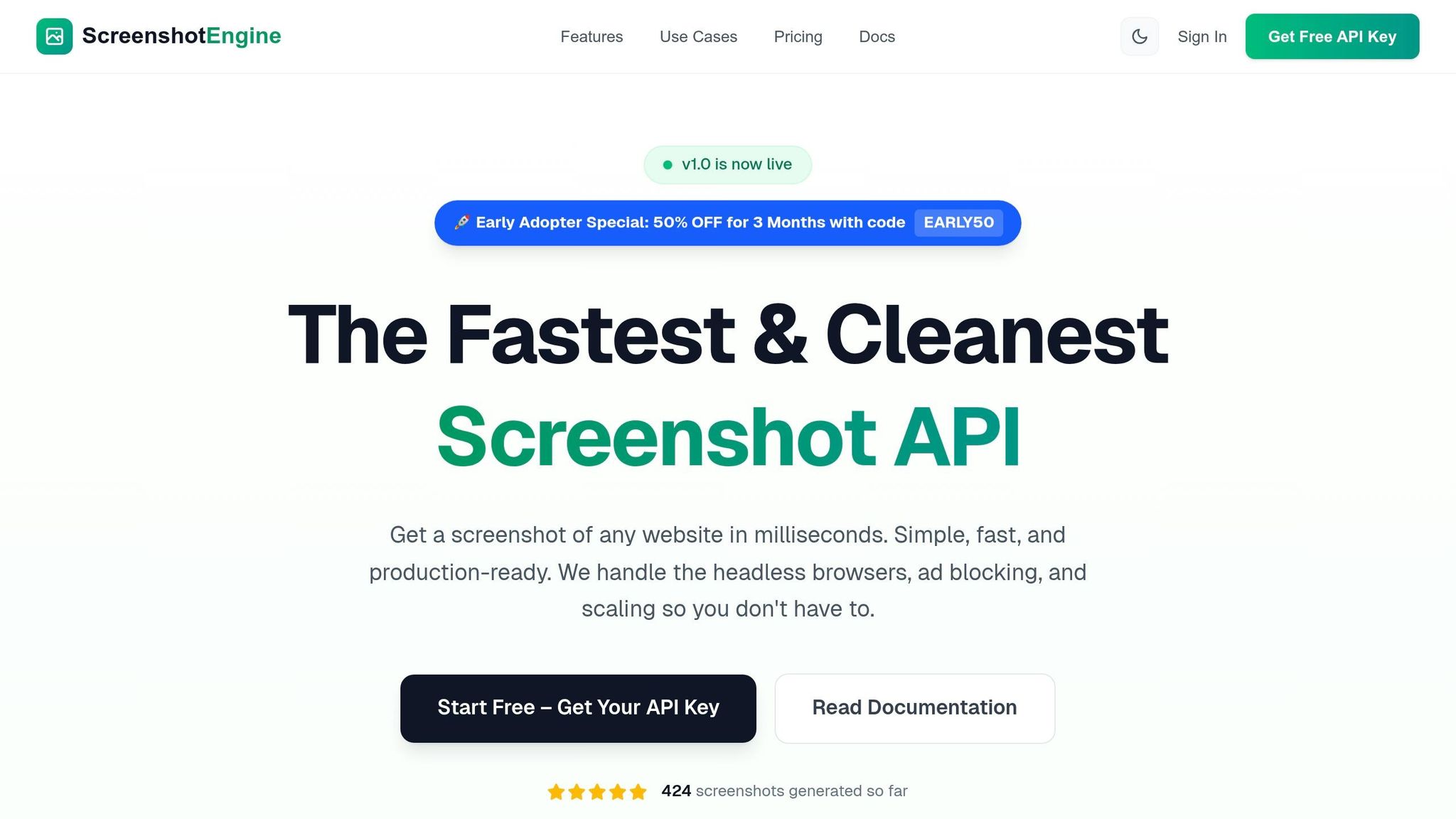
ScreenshotEngine takes the hassle out of setting up manual rendering stacks and browser automation, allowing developers to focus on what matters: writing code. With a single API endpoint and SDKs for popular languages like Node, Python, and .NET, it eliminates the need for juggling multiple scripts or configuring local setups. The platform simplifies web capture by automatically handling challenges like removing ads, cookie banners, and popups. Plus, its built-in playground lets users test parameters instantly.
For developers working on visual regression testing, ScreenshotEngine integrates seamlessly into CI/CD pipelines such as GitHub Actions and Jenkins. It captures UI components before and after deployments, automating visual checks that would otherwise be tedious and time-consuming [78]. By reducing the need to switch between tools and tasks, ScreenshotEngine addresses a common pain point for developers.
"The best APIs don't just take a picture; they prepare the scene first. By handling interruptions like cookie popups and lazy-loading images automatically, they save developers countless hours of complex scripting." - ScreenshotEngine Team [79]
This streamlined process lays the groundwork for advanced AI and automation features.
AI and Automation Capabilities
ScreenshotEngine’s intelligent rendering takes on tricky tasks like handling lazy-loading images by scrolling the page automatically before capturing. Its fast architecture generates screenshots in milliseconds, making it both efficient and reliable. Additional features include automated dark mode emulation, custom wait times, text watermarking, and capturing specific elements using CSS selectors [78][80].
The growing demand for tools like ScreenshotEngine reflects a broader trend. The Website Screenshot Software Market, valued at $6.05 billion in 2025, is expected to reach around $15.17 billion by 2033, growing at a CAGR of 16.56% [81]. As developers move away from DIY headless browser setups, managed APIs like ScreenshotEngine offer a scalable, maintenance-free alternative [79].
Integration Support with GitHub and Other Developer Tools
ScreenshotEngine shines when integrated with CI/CD tools like GitHub Actions and Jenkins, making it easy to automate visual regression testing. Developers can schedule cron jobs to capture critical user flows or even monitor competitor websites. The API also creates dynamic Open Graph images for social media previews, ensuring assets stay up-to-date without requiring manual intervention.
12. npm
npm simplifies developer workflows by minimizing context-switching and keeping processes unified.
Usage Data and Adoption Rates
In 2026, npm remains a cornerstone of JavaScript development. Popular packages like TypeScript, Prettier, ESLint, and Zod see massive weekly download numbers - approximately 48 million, 41 million, 38 million, and 18 million, respectively [87].
A standout feature, npm Workspaces (introduced in version 7), allows developers to manage multiple packages or applications within a single repository. This setup enables shared dependencies and automatic linking of local packages. By adopting this monorepo approach, developers avoid the hassle of synchronizing dependency versions across projects. These features highlight npm's importance in managing multi-package projects efficiently.
How It Reduces Context-Switching
npm streamlines workflows, keeping developers focused. The npx command, for instance, has become essential for quick, one-liner executions. Commands like npx shadcn@latest add let developers instantly add components without leaving the terminal [4]. This eliminates the need to jump between documentation, downloads, and configuration files.
Tools like package-lock and npm ci further enhance productivity by ensuring reproducible builds. These features prevent environment inconsistencies that could otherwise lead to time-consuming debugging sessions [82][83][86].
Integration Support with GitHub and Other Developer Tools
npm integrates seamlessly with GitHub Actions through the actions/setup-node action. This integration includes built-in caching for the ~/.npm directory, using package-lock.json for reference [84]. The results are impressive: caching combined with npm ci can slash CI execution times from 8 minutes 30 seconds to 2 minutes 15 seconds, a 74% improvement [85]. Additionally, this optimization reduces monthly free-tier CI usage from 1,800 minutes to just 450 minutes, cutting usage by 75% [85].
Docker workflows also benefit from npm's layered caching, which skips redundant installations when dependencies remain unchanged [86]. For teams focused on security, npm audit can run as a scheduled or triggered step in GitHub Actions, automatically identifying vulnerabilities [83].
These integrations with platforms like GitHub and Docker underline npm's role in creating efficient, secure, and seamless development workflows.
Tool Comparison Table
To address fragmented workflows and simplify tool management, the table below highlights how various solutions integrate essential functions while reducing the need for constant context-switching. Factors like pricing, integrations, AI capabilities, and multi-project support play a key role in selecting the right tool.
| Tool | Starting Price (USD/mo) | Key Integrations | AI Features | Context-Switch Reduction | Multi-Project Support |
|---|---|---|---|---|---|
| Bax | Free / $12.99 | GitHub, Stripe, Vercel, Netlify, Railway, Linear, Jira, PostHog, Plausible (140+ auto-detected) | AI repo analysis, AI-generated docs | High (Unified dashboard, Cmd+K palette) | Up to 5 (Free) / 25 (Pro) / Unlimited (Ultra) |
| Linear | Free / $8 | GitHub, Slack, Zapier, Locu | AI triage, Automated cycles | High (Keyboard-first UX, GitHub sync) | Up to 250 issues (Free) / Unlimited (Paid) |
| GitHub Copilot | $10 | All major IDEs (VS Code, JetBrains, Neovim) | Code completion, Chat, Unit tests | High (In-editor assistance) | Unlimited |
| Cursor | $20 | VS Code extensions | Codebase-aware AI, Composer | High (AI-native workflow) | Unlimited |
| Visual Studio Code | Free | GitHub, Docker, Azure, 40,000+ extensions | Extensions for AI (Copilot, Tabnine) | Medium (Extension ecosystem) | Unlimited |
| Zed | Free | GitHub, Copilot, Language servers | Built-in AI assistant | High (Performance-first design) | Unlimited |
| TMetric | Free / $7 | Jira, Asana, Trello, GitHub, GitLab | None | Medium (Time tracking integration) | Unlimited |
| ClickUp | Free / $7 | Slack, GitHub, Zapier, Google Drive | AI writing, Task summaries | Medium (All-in-one workspace) | Unlimited tasks (Free) |
| Sourcegraph | Free / $9 | GitHub, GitLab, Bitbucket | AI code search, Cody assistant | High (Cross-repo search) | 200 AI chats/mo (Free) / Unlimited (Paid) |
| Windsurf | Free / $60 | VS Code extensions | Arena Mode (model comparison) | Medium (AI model evaluation) | Unlimited |
| ScreenshotEngine | Free | macOS native | None | Low | N/A |
| npm | Free | GitHub Actions, Docker, CI/CD pipelines | None | High (Workspaces, npx commands) | Unlimited (Workspaces) |
When it comes to AI-assisted coding, GitHub Copilot and Cursor stand out. GitHub Copilot, priced at $10/month, provides seamless in-editor assistance, making it a great fit for developers who want to enhance their workflow. On the other hand, Cursor’s codebase-aware AI features are ideal for tackling complex projects, even at a slightly higher price of $20/month.
For teams focused on speed and efficiency, Linear offers a streamlined solution for issue tracking, starting at $8 per user per month. Its keyboard-first design and GitHub sync help reduce administrative overhead, making it a practical choice for agile workflows.
Budget-conscious developers can explore BYOK (Bring Your Own Key) options. For example, pairing Aider with DeepSeek delivers around 80% of Cursor's functionality for just 10% of the cost [88].
For developers juggling multiple SaaS projects, Bax is a powerful all-in-one tool. At $12.99/month, it consolidates repository management, revenue tracking, uptime monitoring, and dependency scanning into a unified dashboard. This eliminates the need to switch between multiple tools daily, addressing the growing demand for streamlined productivity solutions. According to Gartner, this shift could lead to a $58 billion disruption in productivity software by 2027 as AI-driven tools replace fragmented systems [10].
This comparison highlights how these tools cater to the needs of indie developers and small teams, helping them manage their workflows more efficiently.
Conclusion
By 2026, developer productivity tools are designed to protect your flow state by reducing interruptions like constant tab-switching. For indie developers and small teams, every extra dashboard or tool can add mental fatigue and slow down progress.
The tools highlighted here either shine in a specific area - like GitHub Copilot, which helps developers complete tasks 55% faster [2] - or combine several workflows into a single platform. AI-powered coding assistants are now responsible for generating 30–40% of production code in many startups [4]. However, their effectiveness depends on being seamlessly integrated into daily workflows, rather than feeling like an afterthought.
Unified platforms are emerging as a powerful solution to tackle tool fragmentation. For example, platforms like Bax simplify repository management, revenue tracking, uptime monitoring, and dependency scanning - all for $12.99/month. Instead of juggling multiple tools, teams can rely on a single command center. This trend toward unified systems reflects a broader industry shift, with companies using integrated architectures completing solutions about 20% faster than those relying on fragmented setups [89]. Consolidation like this directly combats productivity losses.
The main takeaway? Identify where context-switching is draining your time. If you’re using seven or more tools daily just to keep tabs on project health, you’re incurring a hidden cost [89]. Opt for tools that integrate or combine functions, so you spend less time managing and more time coding. These strategies not only help you ship faster but also allow you to stay focused on what truly matters.
FAQs
Which tools best reduce context-switching?
In 2026, tools that cut down on context-switching are all about improving multitasking and smooth integration. For instance, AI-powered assistants like Cursor offer features such as deep understanding of complex codebases and the ability to edit across multiple files simultaneously. Additionally, platforms that automate repetitive tasks play a big role in helping developers maintain focus. By simplifying workflows and minimizing distractions, these tools have become key players in boosting productivity.
How do I choose between Copilot, Cursor, Zed, and VS Code?
When deciding which tool to use, consider how it fits into your workflow and what you need most:
- Copilot: Works seamlessly with popular IDEs like VS Code and JetBrains, providing AI-driven code suggestions to speed up your coding process.
- Cursor: A complete IDE with built-in AI features, perfect for handling complex projects requiring advanced multi-file editing capabilities.
- Zed: Designed for those who prioritize speed and simplicity, offering a lightweight and efficient coding experience.
- VS Code: Known for its flexibility and extensive customization options, especially when enhanced with extensions like Copilot for added functionality.
Each tool has strengths tailored to different coding styles and project demands.
What’s the fastest tool stack for a small SaaS team?
When it comes to building a fast and efficient tool stack for a small SaaS team in 2026, modern frameworks are the go-to choice for frontend development. Options like Next.js, Nuxt, and SvelteKit stand out for their performance and developer-friendly features.
Pair these frameworks with AI-powered coding assistants, which can help automate repetitive tasks and boost productivity. Deployment platforms and Backend-as-a-Service (BaaS) solutions, such as Vercel, further simplify workflows by speeding up deployment and reducing the need for extensive manual effort. Together, these tools create a streamlined, efficient development environment tailored for small teams.